

The Mercado Pago Credit Card has become a popular financial tool across Latin America. Many people appreciate its integration with the Mercado Libre ecosystem.
Whether for daily expenses or building credit, the process to apply is more accessible than some expect. This detailed guide is intended for anyone looking to secure a Mercado Pago Credit Card.


Whether you are new to credit cards or just curious about digital banking trends, it covers each key step clearly. Exploring eligibility, documentation, and the online application will help you move forward confidently.
Why Choose a Mercado Pago Credit Card?
Before starting an application, understanding the appeal of these cards is useful. Many find their flexibility and benefits suited to various lifestyles.
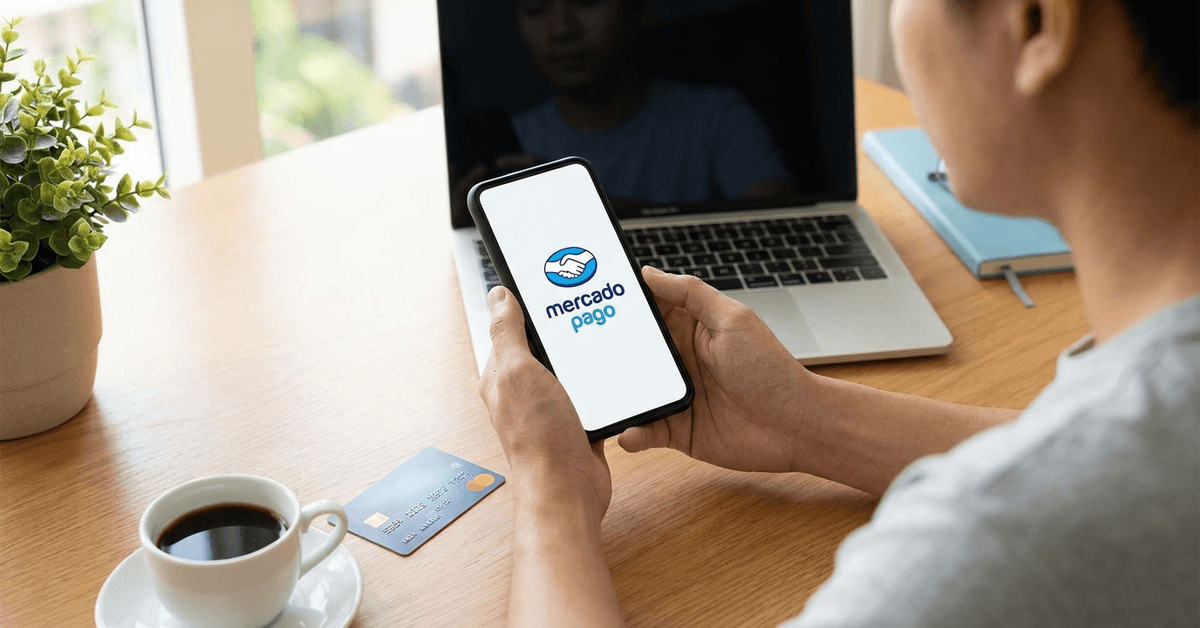
The main attraction is the integration with Mercado Pago and Mercado Libre accounts. Managing purchases, payments, and rewards in one ecosystem offers simplicity.
Some additional reasons people apply include:
- No annual fees for certain card versions
- Real-time expense notifications via the Mercado Pago app
- Exclusive deals and installments on Mercado Libre
- Global acceptance through major network partners like Mastercard or Visa
Who Is Eligible to Apply?
Mercado Pago sets specific requirements for applicants. While exact terms can differ by country, some core eligibility traits are consistent.
Age and Residency Requirements
The minimum age is typically 18 years. Residency status matters: only those with legal residence in the issuing country can apply.
Credit History Checks
A positive credit profile is often beneficial. Local credit reporting agencies are usually consulted. Those with no payment defaults are most likely to be approved.
Documentation Needed
Preparing the required documents in advance can help streamline your application and reduce delays during the review and approval process.
- Government-issued ID (often a national ID or passport)
- Proof of address—can be a utility bill or bank statement
- Personal tax identification number (if applicable)
- Mobile phone linked to Mercado Pago account
How to Apply for the Mercado Pago Credit Card: Step-by-Step
Applications are done digitally using the Mercado Pago app. The process is relatively straightforward, but having everything prepared makes it smooth.
Step 1: Install the Mercado Pago App
The first step is to have the Mercado Pago app installed on your smartphone. Download it from Google Play or Apple App Store.
Step 2: Register or Log In to Your Account
Applicants need an active Mercado Pago account. Those who do not have one can create it within minutes by providing their email and verifying their phone number.
Step 3: Access the Cards Section
Within the app, locate the credit cards menu. It is typically found on the home dashboard or under the "Finances" tab.
Step 4: Start the Credit Card Application
Select the Mercado Pago Credit Card and tap the option to apply. The on-screen process guides through each form and consent step.
Step 5: Provide Personal Information
The application requests personal data, ID numbers, and proof of residence details. Having photos or scans of ID and proof of address ready is practical.
Step 6: Consent to Credit Check
The app will ask for permission to run a credit history check. Reviewing the terms carefully is advisable before consent.
Step 7: Complete Verification Process
Applicants are often prompted to take a selfie for identity verification. The process may involve short video instructions to confirm liveness.
Step 8: Wait for Approval Decision
Mercado Pago sends a notification when the review is finished. For some, the response is nearly instant. Others may wait one or two business days.
Step 9: Receive and Activate the Card
If approved, a virtual card is issued immediately. The physical card may arrive by mail, requiring address confirmation and signature.
Step 10: Set a PIN and Start Using the Card
The card activation is finalized by choosing a PIN within the app. Afterwards, users can begin making purchases anywhere the card network is accepted.
Tips for a Smooth Application Process
Real world applications may run into minor delays or documentation hiccups. Being prepared helps reduce back-and-forth.
- The proof of address must match the applicant’s Mercado Pago profile exactly.
- Smartphone camera quality should be sufficient for clear selfie and document images.
- Check spam folders in email for approval updates.
- Avoid applying multiple times within a short window. This could trigger security holds.
Many users in cities like São Paulo, Buenos Aires, and Mexico City report that digital identity verification goes particularly smoothly with updated apps.
Managing the Mercado Pago Credit Card After Approval
Upon receiving the credit card, using the Mercado Pago app is essential for daily management. Most features are designed with mobile convenience in mind.
Tracking and Paying Balances
The app dashboard highlights current balances, due dates, and minimum payment amounts. Most people prefer the auto-payment feature to stay on schedule.
Adjusting Spending Limits
Users can review their available credit and request increases over time by maintaining positive account activity.
Accessing Statements and Benefits
Monthly statements are downloadable as PDFs. Rewards and partner offers are visible on the app's rewards tab.
Common Application Obstacles and How to Overcome Them
Some applicants find hurdles, especially if new to digital banking systems. Several common issues come up in practice.
- Photo verification errors usually mean poor lighting or blurry camera lenses.
- Rejected proof of address often results from mismatched or outdated documents.
- Application lockouts occur when account details are inconsistent with local credit bureaus.
- Notifications about missing files are normally solved by re-uploading clearer images via the app.
It is sometimes helpful to update app permissions in device settings if the camera or file upload is not working.
Security Best Practices for New Cardholders
Protecting card information and using the app’s built-in security features are recommended. Security settings offer tools for peace of mind.
- Set a unique PIN that does not match other cards or devices.
- Enable biometric authentication, if supported by your phone and the Mercado Pago app.
- Turn on instant purchase notifications for all card activity.
- Lock or freeze the card instantly through the app if it’s ever lost or stolen.
Responsible Credit Use and Financial Tips
Healthy credit habits begin with understanding both the benefits and responsibilities a credit card brings. Many learn this through small, regular payment routines.
- Keeping monthly balances low is generally recommended.
- Punctual payments improve credit score over time.
- Setting budget alerts in the app helps avoid over-spending.
Many first-time cardholders find support resources on financial literacy in the Mercado Pago help center. The blog section often covers topics such as understanding APR and safe online shopping.
Comparison: Mercado Pago Credit Card vs Traditional Cards
A brief comparison can clarify the differences users may experience. The following table outlines some essentials.
| Feature | Mercado Pago Credit Card | Traditional Credit Card |
|---|---|---|
| Application Process | Digital, app-based | In-person or bank website |
| Integration | Connected with Mercado Pago | Usually independent |
| Approval Speed | Instant or 1-2 days | Varies, often 3-10 days |
| Annual Fee | Low or none for basic | Commonly present |
| Management | Mobile-first, app features | Banking portal and statements |
Conclusion
Applying for a Mercado Pago Credit Card is simple for most people with modern smartphones and secure identification. A few minutes preparing documents and following the in-app prompts makes the process efficient.
With perseverance and attention to detail, more users gain access to flexible credit options and integrated benefits. Staying organized not only speeds up approval but also increases long-term financial well-being.
Note: There are risks involved when applying for and using credit. Consult the bank’s terms and conditions page for more information.